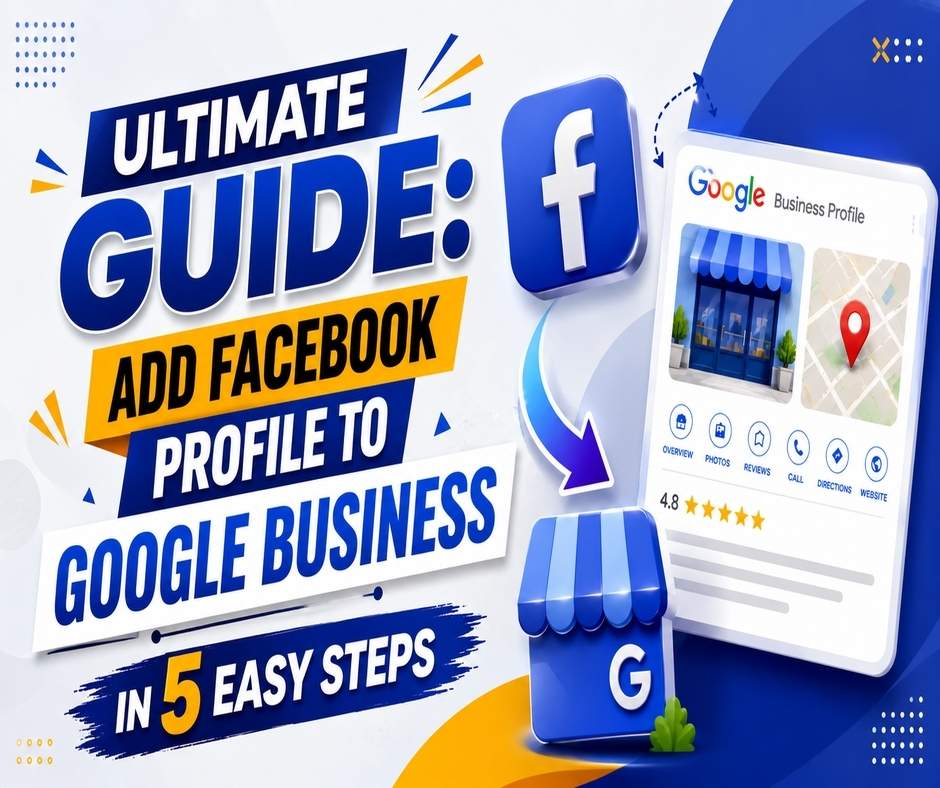
Add a Facebook Profile to Google Business is no longer just an optional step in today fast paced digital world. Customers tend to trust brands that appear consistently across a few online spaces. When you add Facebook Profile to Google Business, you build a more solid online presence and you make it a little easier for potential customers to spot you ,but also to actually trust you.
Whether you run a salon, hospital, restaurant, or a retail shop in Patna, being online is kind of a must. One of the most effective ways to boost your online presence is by linking your social channels , especially Facebook, with your Google Business profile. That’s why figuring out how to add a Facebook profile to Google Business matters so much for your digital progress.
Along with step-by-step instructions, this guide also covers why businesses need digital marketing, how to select the best digital marketing company in Patna, and what services agencies provide to help you grow.
Table of Contents
H2: Why Businesses Need Digital Marketing in 2026
Digital marketing has become kinda a powerful motor for business growth in India, especially across metro and tier-2 cities like Patna. And it matters a lot , for simple reasons in everyday terms, Here’s the gist of why it’s essential:
1. Your Customers Are Online
More than 80% of customers check online reviews, social pages, and Google Business listing before they start interacting with a brand. It’s like, people really do look around first, even if it’s just a minute or two.
2. Faster Brand Visibility
Platforms like Facebook, Instagram and Google kinda help local businesses reach a wide crowd, like right away. It’s not just reach though, it feels instant and a bit broader, at the same time.
3. Cost-Effective Growth
Digital marketing seems to bring in higher returns than the old school advertising approach, like leaflets or even those banner ads, you know.
4. Helps You Build Trust
A verified Google Business Profile and active Facebook page add authenticity to your brand.
5. Data-Driven Results
You can track performance , run targeted ads and somehow learn about your audience better.
Most businesses end up leaning on experts for these kinds of things , and that’s why so many choose digital marketing services in Patna for professional help.
Step-by-Step Guide: How to Add Facebook Profile to Google Business
Below is the most accurate and updated method to link your Facebook page or profile with your Google Business Profile.
Step 1 — Log In to Google Business Profile
- Visit Google Business Profile Manager
- Sign in with your business email
- Select your business listing from the dashboard
Step 2 — Go to the ‘Edit Profile’ Section
- Once you open your business page:
- Click on “Edit profile”
- Select “Business Information”
- Scroll down to “Social Profiles”
Step 3 — Choose ‘Facebook’ as the Platform
Inside Social Profiles:
- Click Add Social Profile
- Select Facebook from the options
- Make sure you have your Facebook profile or page link ready
Step 4 — Paste Your Facebook Profile URL
Your link should look like:
- For Pages: facebook.com/yourbusinessname
- For Profiles: facebook.com/username
- Paste the link carefully to avoid errors.
Step 5 — Save Changes
Click Save and Google will verify the link.
Changes may take 24–48 hours to appear publicly.
That’s it — this is exactly how to add Facebook profile to Google Business in a simple and effective way.
What to Do If Your Facebook Link Doesn’t Show Up?
Sometimes Google takes time to review the update. Try:
Clearing cache
- Removing and adding the link again
- Checking if your Facebook page is public
- Updating your business website link
If the problem persists, professionals from an experienced SEO agency in Patna can assist with optimization and troubleshooting.
How to Choose the Best Digital Marketing Agency in Patna
Selecting the right agency can transform your business. Here are criteria to consider:
1. Check Their Experience
See how long they’ve worked in digital marketing, especially for local businesses.
2. Review Real Client Results
A strong portfolio shows their capability.
3. Transparency in Strategy
The best marketing company in Patna clearly explains:
- What strategies they will use
- Expected timelines
- Monthly reporting
4. Customized Solutions
Every business is different. Agencies must provide tailored services.
5. Check Online Reviews
Look for Google reviews, Facebook feedback, and rating consistency.
Services Offered by Top Digital Marketing Agencies in Patna
A well-established agency provides A–Z solutions, such as:
✔ SEO Services
To improve your Google search rankings.
✔ Social Media Marketing Patna
Managing Facebook, Instagram, reels, creatives, and ad campaigns.
✔ Google Ads Services Patna
Running PPC campaigns for instant leads.
✔ Website Development
Building user-friendly, mobile-responsive websites.
✔ Branding & Designing
Logo, corporate identity, brochures, posters, and more.
✔ Content Marketing
Blogs, articles, and SEO-optimized content.
These services work together to create a strong digital identity for your business.
Benefits of Hiring a Professional Marketing Team
1. Consistent Brand Image
Professionals craft a recognizable brand identity.
2. Faster Growth
Targeted marketing brings quicker results.
3. Expert Handling of Ads
Google and social media ads require experience to avoid budget waste.
4. Saves Time
You focus on your business while experts handle promotion.
5. Better ROI
Professionals optimize campaigns for maximum return on investment.
Case Studies / Real Examples (Generic)
Case Study 1: Local Restaurant in Patna
A family restaurant partnered with a leading SEO agency in Patna.
Within 3 months:
- Google rating improved
- Orders increased by 45%
- Social media reach doubled
Case Study 2: Hospital in Patna
A small hospital used social media marketing services in Patna.
Results in 2 months:
- More appointment calls
- Improved patient trust
- Strong online presence
Case Study 3: Clothing Store
After running Google Ads services in Patna, conversions increased by 60%.
FAQs
Q1: Why should I link Facebook to Google Business?
Ans. It builds trust, increases visibility, and helps customers reach your business faster.
Q2: Does linking Facebook improve local SEO?
Ans. Yes, consistent social signals improve your online credibility and ranking.
Q3: Can I add multiple social profiles?
Ans. Yes, Google lets you add Instagram, YouTube, LinkedIn, Facebook, and more.
Q4: What if I don’t have a Facebook page?
Ans. Create one using your business details; it takes less than 10 minutes.
Q5: How long does Google take to verify the link?
Ans. Usually 24–48 hours.
If you want to get service to edit your Google Business Profile professionally, then you can contact Gudsoft Academy on WhatsApp.